Back in November, I attended an online webinar hosted by the Centre for Cybersecurity Belgium (CCB) that focused on a topic I think every IT professional should take seriously: securing Remote Desktop Protocol, or RDP. RDP is a Windows protocol that allows us to remotely connect to computers—a tool that’s incredibly useful, but also a favorite target for cybercriminals.
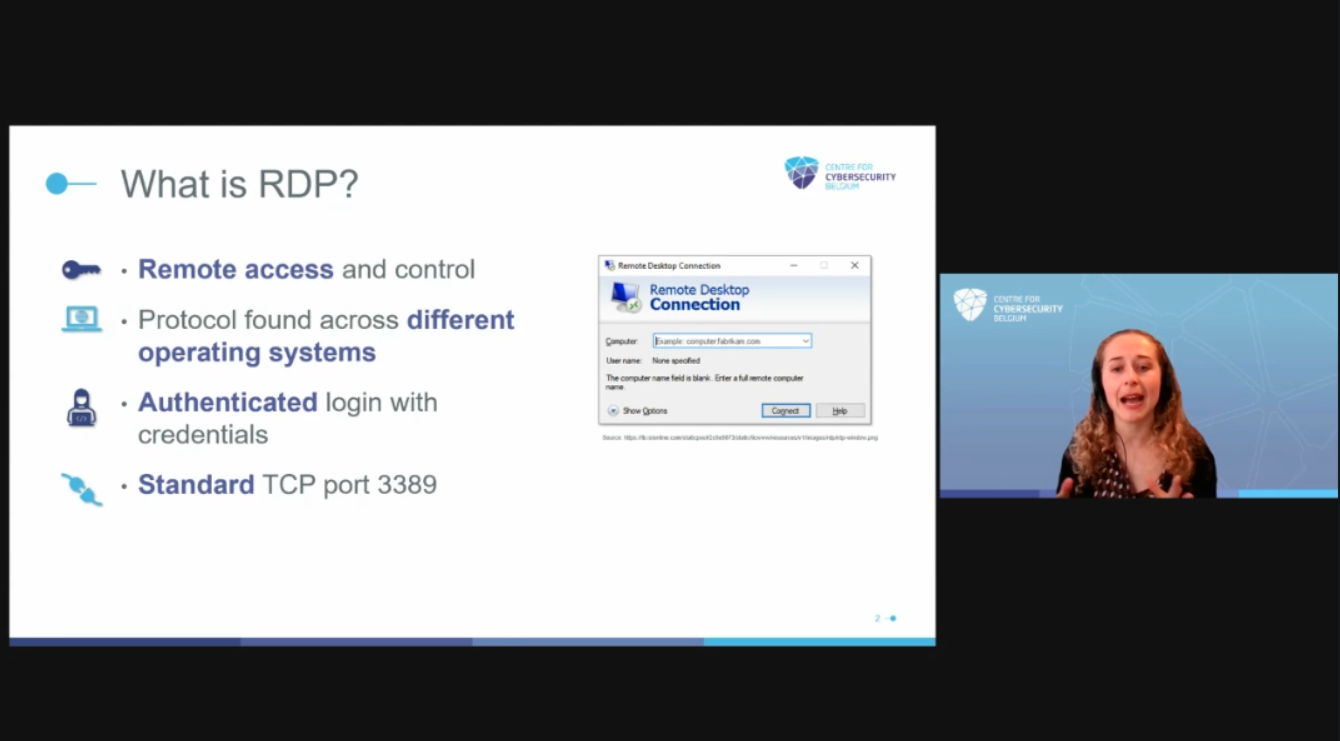
Before the webinar, I knew RDP was widely used, but I hadn’t realized just how often it’s abused by attackers. The CCB shared some eye-opening statistics: in recent years, RDP has been involved in the vast majority of remote access attacks, including ransomware incidents. Simply exposing RDP to the internet is like leaving a key under the doormat—sooner or later, someone will find it.
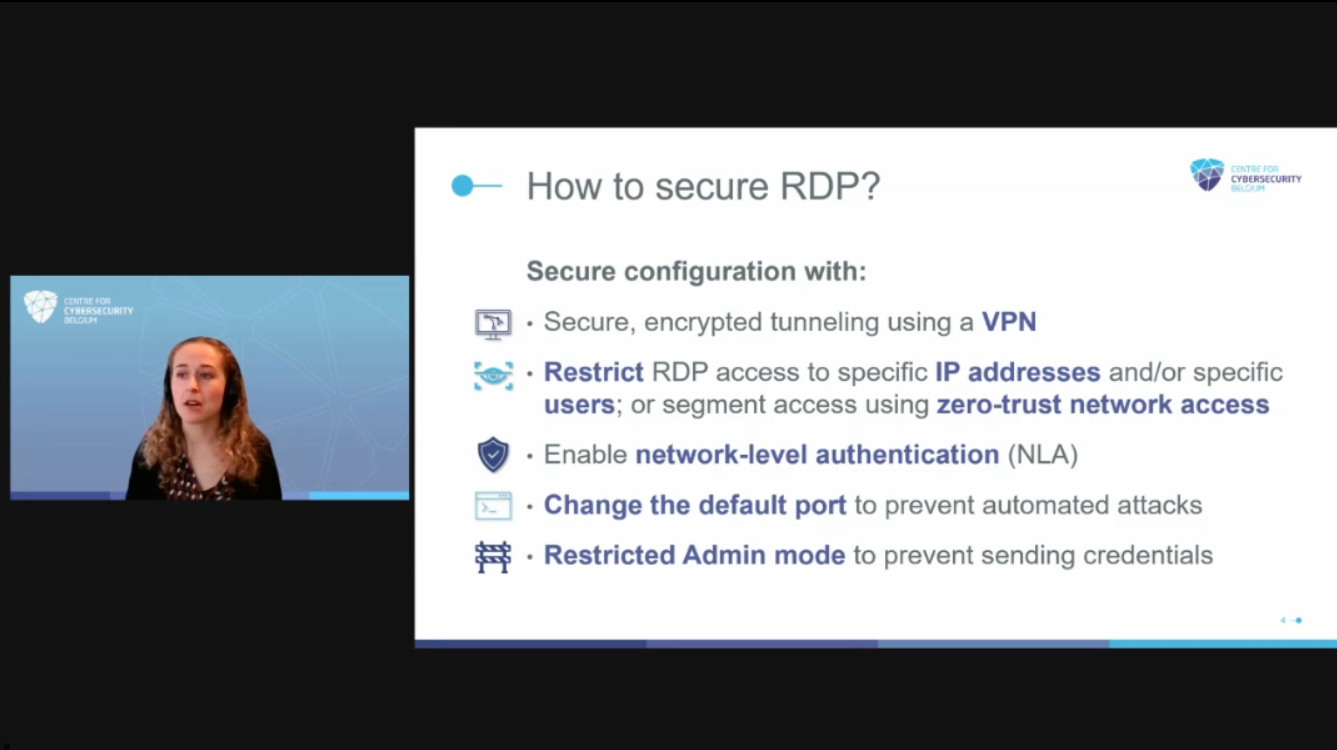
The main lessons I took from the CCB webinar were to never expose RDP directly to the internet and to always protect access with a VPN or firewall. They stressed the importance of enabling multi-factor authentication for all remote connections and using Network Level Authentication, along with strong, unique passwords. Changing the default RDP port and setting up account lockout policies were also recommended to make attacks more difficult. Finally, the CCB emphasized the need to keep systems updated, regularly monitor RDP logs for suspicious activity, and be especially cautious with email attachments that might contain malicious RDP files.
As a cybersecurity student, I found it very worthwhile to follow the webinar. The practical advice from the Centre for Cybersecurity Belgium gave me valuable insights and concrete steps I can apply right away to better secure RDP connections!